
User manual for the JieXun YL-5168 (V1.2) ZigBee wireless module, covering features, specifications, wiring, and AT commands.
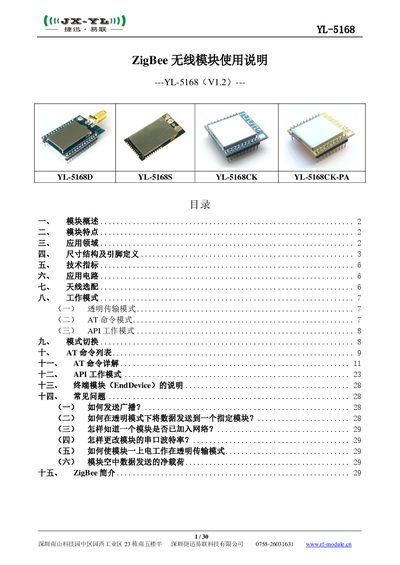
The YL-5168 series is a 2.4 GHz ZigBee‑PRO module based on NXP JN5164/JN5168 RF chips. It offers low power consumption, high sensitivity, and a rich set of I/O interfaces for easy integration into customer products.
The manual provides a detailed overview of the module’s hardware, pin definitions, technical specifications, recommended antenna options, operating modes (transparent, AT command, API), and step‑by‑step instructions for configuring and troubleshooting the device. This manual is written in Chinese.
| Supply Voltage | 3.4 V – 6 V (2.0 V – 3.6 V customizable) |
|---|---|
| Transmit Current | 140 mA @ 20 dBm |
| Receive Current | 27 mA |
| Sleep Current | 0.8 µA |
| Operating Frequency | 2.405 GHz – 2.480 GHz |
| Transmit Power | 20 dBm (2.5 dBm without PA for YL‑5168CK) |
| Receive Sensitivity | -104 dBm |
| Data Rate | 250 kbps |
| UART Baud Rate | 4800 bps – 115200 bps (configurable) |
| Operating Temperature | -40 °C – +80 °C |
| Operating Humidity | 10 % – 90 % RH (no condensation) |
Set the 16‑bit destination address to 0xFFFF using the ATDS command; the module will broadcast the data.
Enter AT command mode with +++ then set transparent mode (ATAP 0) and use ATDS to specify the target address.
Use the ATBD command with the desired parameter (e.g., ATBD 5 for 38400 bps) and save with ATWR.