
The Jiangsu Zhilian Tiandi Technology N5000 industry terminal user manual provides setup, operation, safety, and troubleshooting instructions.
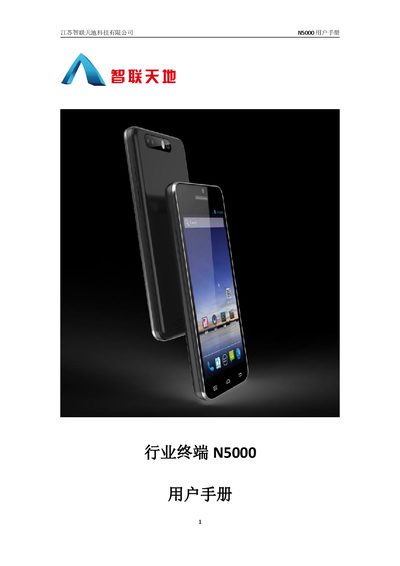
This manual covers everything you need to start using the N5000 industry terminal, from safety precautions and hardware installation (battery, SIM, T‑flash) to basic operation, system settings, and NFC scanning. Detailed sections guide you through customizing the system and developing software for the device.
Additional chapters describe maintenance, fault diagnosis, and recommended cleaning procedures, ensuring safe and reliable long‑term use of the terminal in industrial environments. This manual is written in Chinese.
| Supported SIM card type | MicroSim |
|---|---|
| Maximum T‑flash card capacity | 32 GB |
| Recommended antenna distance from body | At least 1 inch (2.5 cm) |
| Battery charge‑discharge cycles | ≥ 500 cycles |
Place the SIM card as shown in the illustration and push it into the slot in the direction of the arrow until it is fully seated.
Make sure the device is powered off, open the battery cover as illustrated, and then pull the battery out.
Check that the power switch is on, ensure the device is not in sleep mode, verify the battery is charged and properly connected, and then try restarting the device.
Use a slightly damp, anti‑static soft cloth; avoid chemicals, alcohol, or abrasive cleaners.