
User manual for the Jiafuxin GF-3000BN built‑in CDMA modem, covering features, setup, testing and troubleshooting.
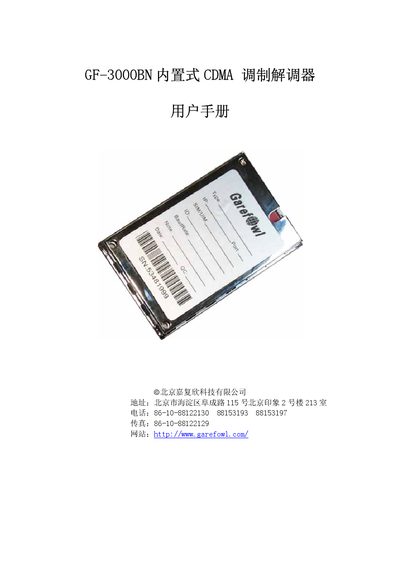
The GF-3000BN built‑in CDMA modem manual provides an overview of the product, its new features, and basic performance specifications. It explains how the modem enables wireless data communication, voice calls, SMS, email and fax functions, and describes the standard RS‑232/485 interface and power requirements.
The guide includes step‑by‑step instructions for preparing the hardware, connecting antennas and cables, inserting the UIM card, and using a Windows terminal for AT‑command testing. It also contains a FAQ section that addresses common issues such as data‑communication modes, baud‑rate configuration, and error handling during modem installation. This manual is written in Chinese.
| Power Supply | 2.0~24 V, 1 A |
|---|---|
| Network Time Sync | Supported via network time server |
| Watchdog | Internal WATCHDOG monitors status |
| Output Form | Customizable to RS‑232C, RS‑485, TTL |
The modem supports two data‑communication modes: CSD and SMS.
Use the AT+iPR command to set a new baud rate.
The modem can be set up to 115200 bps for dialing.