
User guide for the JennAir W11490758CUSE side-by-side built-in refrigerator, covering safety, installation, controls, and maintenance.
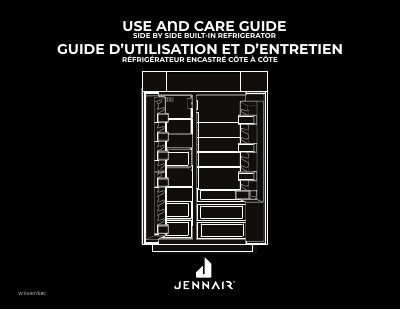
This document serves as a user guide for the JennAir W11490758CUSE side-by-side built-in refrigerator. It provides essential safety instructions, including warnings about child entrapment and the proper disposal of old refrigerators to prevent suffocation hazards. The guide details how to register the appliance for warranty and support benefits.
| Refrigerator Temperature Range | 33°F to 43°F (1°C to 6°C) |
|---|---|
| Freezer Temperature Range | -8°F to 5°F (-22°C to -15°C) |
| Factory Default Freezer Temp | 0°F (-18°C) |
| Factory Default Refrigerator Temp | 37°F (3°C) |
| Max Cool Duration | approximately 12 hours |
| Max Freeze Duration | approximately 48 hours |
You should wait 24 hours after turning on the refrigerator before putting food inside to ensure it has cooled completely.
After changing the water filter, press and hold the FILTER RESET button for 3 seconds until the 'Replace Filter' indicator light disappears.