
The JDC-101 temperature controller manual explains installation, menu settings, operation modes and technical specifications.
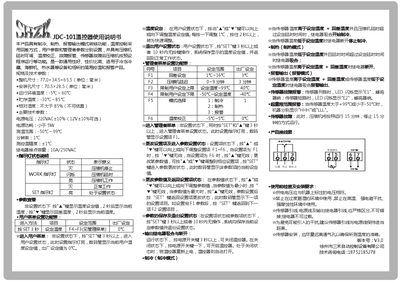
This manual provides detailed instructions for the JDC-101 temperature controller, covering power connections, sensor installation, and safety precautions. It describes how to navigate the user and administrator menus, adjust temperature set‑points, and interpret error codes.
The document also lists the device’s physical dimensions, operating environment limits, and electrical parameters, helping installers ensure proper integration into refrigeration, hot‑water or other temperature‑controlled equipment. This manual is written in Chinese.
| Overall size | 77.0×34.5×65.5 mm |
|---|---|
| Mounting hole size | 70.5×28.5 mm |
| Operating temperature range | -5 ℃ ~ 60 ℃ |
| Storage temperature range | -30 ℃ ~ 85 ℃ |
| Relative humidity limit | ≤ 85 % (no condensation) |
| Power supply voltage | 220 VAC ± 10 % (12 V ± 10 % optional) |
| Power consumption | < 5 W |
| Temperature measurement range | -50 ℃ ~ 99 ℃ |
| Control accuracy | ± 1 ℃ |
| Relay contact capacity | 10 A / 250 VAC |
Press and hold the SET key for more than 3 seconds while the controller is not in a setting state.
In user‑setting mode, use the ▲ or ▼ keys; each press changes the value by 1 ℃, and holding a key for over 2 seconds enables fast adjustment.
E1 means the temperature sensor is open‑circuit; the LED flashes “E1” and the buzzer sounds.
Press and hold the power key for more than 3 seconds; the controller will shut down.