
This manual provides installation, configuration, and operational instructions for the J2 625 integrated touch screen Point of Sale computer.
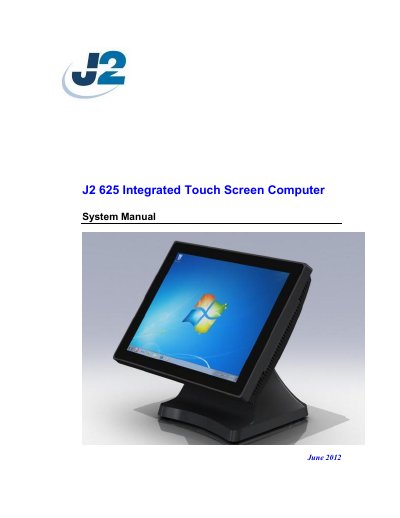
The J2 625 is a new generation of integrated touch screen Point of Sale computer based on the Intel Atom dual core Cedarview processors. It features an "all-in-the-head" design that can be used as a counter top unit or as a wall-mount or pole-mounted terminal. The unit is designed to require little or no maintenance with a convection cooled fan-less design suitable for harsh environments.
| Processor | Dual Core Intel Atom D2550 1.86GHz |
|---|---|
| Memory | 2 GB standard, 4GB max |
| Touch Screen | 15 inch 1024 x 768 |
| Operating Temp | 0-45c |
| Power Supply | 100-240V 50-60Hz |
| Weight | 8kg |
You can power off the system by holding the Off /On button in for six seconds.
It supports Windows 7, POSReady 7, Windows 7 Embedded, XP, POSReady 2009, XP embedded, and Windows 8, as well as Linux.
The dimensions are 37x28 x35cm (14.6”x11.0 ”x13.8”).