
User manual for the iWaylink iMotion TC60 3 mobile computer, covering setup, operation, safety, and technical specs.
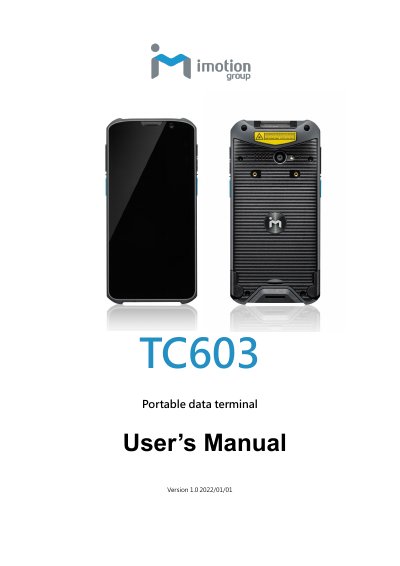
This is the official user manual for the iWaylink iMotion TC60 3, a rugged enterprise mobile computer designed for retail, warehousing, and field service. It includes setup instructions, safety guidelines, and detailed operation of features like barcode scanning, Wi-Fi, Bluetooth, and battery management. The device runs Android 10 with a Qualcomm Snapdragon 660 processor and a 5.99" display.
The manual also covers maintenance, troubleshooting, and technical specifications including power, frequency ranges, and physical dimensions, making it essential for users and technicians.
| Processor | Qualcomm® Snapdragon™ 660 2.2GHz Octa Core 64-bit |
|---|---|
| Operating System | Android 10 |
| Memory | 4GB / 64GB |
| Battery | 4000mAh Replaceable Battery |
| Display | 5.99" 18:9 Full-HD (450nit) Capacitive 5-point touch panel |
| Dimensions | 159.4mm L * 78.4mm W * 14.2mm H |
| Weight | 235 grams (with battery) |
The TC60 3 has a 4000mAh replaceable battery.
It uses a Qualcomm® Snapdragon™ 660 2.2GHz Octa Core 64-bit processor.
The device runs Android 10.
Charge the device using the included AC adapter and USB-C charging cable, ensuring it is not exposed to moisture or water.