
User manual for Itech Electronics' IT6100B series programmable DC power supplies, covering installation, operation, specifications and safety.
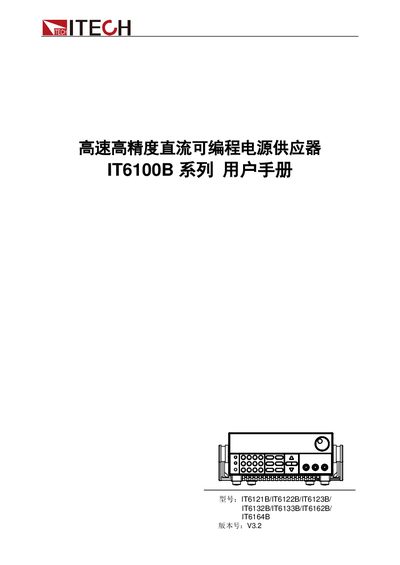
The IT6100B series from Itech Electronics provides high‑speed, high‑precision programmable DC power supplies. This manual guides users through unpacking, installation, safety precautions, and basic operation of models such as IT6121B, IT6122B, IT6132B, and others.
Detailed sections cover technical specifications, remote communication interfaces (RS‑232, USB, GPIB), warranty information, regulatory compliance, and troubleshooting tips, ensuring safe and reliable use in laboratory and industrial environments. This manual is written in Chinese.
| Output voltage range | 0‑20 V to 0‑60 V (model dependent) |
|---|---|
| Output current range | 0‑5 A to 0‑2.5 A (model dependent) |
| Maximum power | 100 W to 150 W (model dependent) |
| Voltage regulation | <0.01 % + 1 mV |
| Voltage ripple (20 Hz‑7 MHz) | <1 mV Vrms |
The power supply can be set to either 110 V or 220 V; the correct voltage must be selected before powering on.
It provides three communication interfaces: RS‑232, USB, and GPIB.
ITECH offers a one‑year warranty from the shipment date.
The “warning” symbol signals a dangerous condition that could cause personal injury if not followed.