
User manual for the Ision 256M30R3 Web Configurator, covering setup, personalities, trunks, routing and system features.
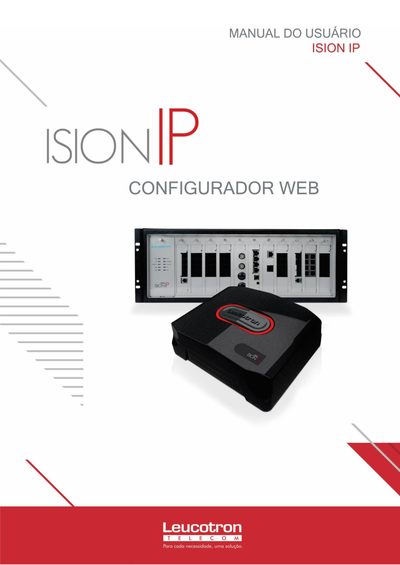
The Ision 256M30R3 Web Configurator manual provides step‑by‑step instructions for configuring the system via its web interface. It details how to create and manage personalities, associate trunks, define routing tables, and set up SIP providers, filters, and other telephony functions.
Additional sections cover system‑wide settings such as network parameters, backup, alarms, monitoring, and licensing. The document includes numerous figures illustrating each configuration step, making it a practical guide for administrators and technicians. This manual is written in Portuguese.
Open a web browser and navigate to the address shown in Figure 1 to access the Configurador Web of the Ision system.
Use the "Criar Personalidades" function illustrated in Figure 2 to define a new personality and its associated settings.
Follow the steps in Figure 78 to configure a SIP provider, starting with the basic settings and then adding users as needed.