
The IOGEAR GCS1742 KVM Switch manual explains how to connect and operate dual‑monitor computers with shared USB peripherals and audio.
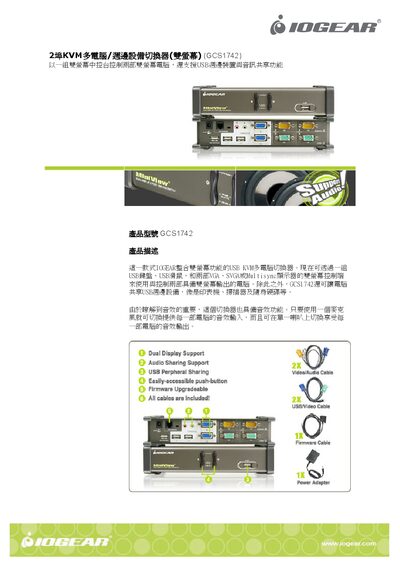
The GCS1742 is a dual‑monitor KVM switch that lets a single set of USB keyboard, mouse, and two VGA/SVGA/Multisync monitors control two computers. It also shares USB devices such as printers, scanners, and external drives, and provides audio jacks for speaker and microphone sharing. Switching can be done via panel buttons or keyboard hotkeys, with LED indicators showing status.
The switch supports a range of operating systems including Windows 98/2000/XP, Mac OS 8.6+, Sun Solaris, Linux and other USB‑enabled systems. It requires a DC5 V power adaptor (1.25 W) and offers video resolutions up to 2048 × 1536. Connections include VGA ports, USB Type‑A ports for peripherals, and dedicated audio and console connectors. This manual is written in Chinese.
| Operating Temperature | 0‑50 °C |
|---|---|
| Storage Temperature | -20‑60 °C |
| Video Resolution | Up to 2048 × 1536 |
| Power Consumption | DC5V, 1.25 W |
| Unit Dimensions (W × H × L) | 2.93 in × 1.65 in × 7.87 in |
| USB Peripheral Ports | 2 × USB Type‑A female |
| Keyboard Connector | 1 × USB Type‑A female |
| Mouse Connector | 1 × USB Type‑A female |