
The InWin IW-309-Black PC case user manual provides specifications, installation steps, safety guidelines, and lighting software instructions.
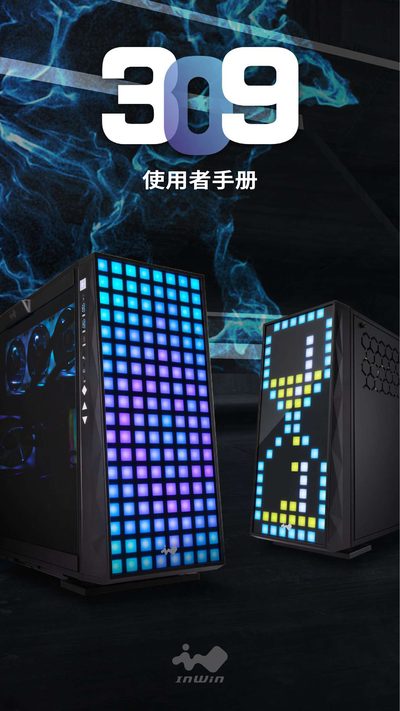
This manual introduces the InWin IW-309-Black mid‑tower case, highlighting its geometric glass panel, 144 LEDs, and the innovative EGO silicone fan system controlled by GLOW2 software. It outlines the case’s dimensions, materials, and supported hardware configurations.
Detailed sections cover the parts included, step‑by‑step assembly instructions, wiring of the pre‑installed EGO fans, and safety precautions such as powering off the system and using anti‑static equipment. The guide also explains how to use GLOW2 to create custom lighting effects. This manual is written in Chinese.
| Case type | Mid‑tower |
|---|---|
| Material | Galvanized steel, tempered glass, ABS |
| Supported motherboard sizes | ATX, Micro‑ATX, Mini‑ITX |
| PCI‑E slots | 7 |
| Maximum GPU length | 350 mm |
| Maximum CPU cooler height | 160 mm |
| Front I/O | 1 × USB 3.1 Gen 2 Type‑C, 2 × USB 3.0, HD Audio |
| Cooling support | Pre‑installed 4 EGO fans; additional up to 1 × 120 mm top, 3 × 120 mm bottom, 3 × 120 mm thin radiators |
| Dimensions (H × W × D) | 500 mm × 238 mm × 553 mm (19.7" × 9.4" × 21.8") |
| Net weight | 13.65 kg |
Four InWin EGO fans are pre‑installed.
The GLOW2 software is used to customize and synchronize the LED lighting.
Press the button above the glass side panel to release and open it.