
Technical data sheet for the DS-LCDD3 micro-sized LCD serial interface module from Intelligent Display Solutions.
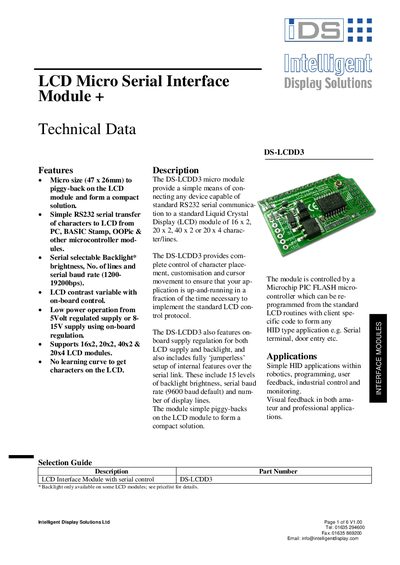
The DS-LCDD3 is a compact 47 × 26 mm module that provides RS‑232 serial control of standard LCD panels (16×2, 20×2, 40×2, 20×4). It includes on‑board regulation for 5 V or 8‑15 V supplies, adjustable backlight brightness, selectable baud rates and line counts, and can be programmed via a Microchip PIC flash controller.
The document details power requirements, connector pin‑outs for SIL and DIL LCDs, command codes for backlight, baud rate and cursor control, electrical characteristics, programmable I/O pins, and mechanical dimensions. It also contains conformity declarations for commercial, residential and light‑industrial use.
| Supply Voltage (5 V) | 4.5 V – 5.5 V |
|---|---|
| Supply Voltage (8‑15 V) | 8 V – 15 V |
| Supply Current (no backlight) | 3 mA – 5 mA |
| Backlight Current | 3 mA – 150 mA (brightness dependent) |
| Operating Temperature | -5 °C to 70 °C |
| Storage Temperature | -10 °C to 80 °C |
| Humidity Range | 0 % – 80 % |
| Supported LCD Sizes | 16×2, 20×2, 40×2, 20×4 |
| Serial Baud Rate Range | 1200 bps – 19200 bps |
The module can be powered from either a regulated 5 V supply or an unregulated 8‑15 V supply.
The DS-LCDD3 works with 16×2, 20×2, 40×2 and 20×4 character LCD modules.
Send the decimal value 255 (0xFF) before the command byte to put the module into command mode.