
This user manual provides installation, configuration, and service procedures for the Intel 7th Gen Core U-series SoC Panel PC.
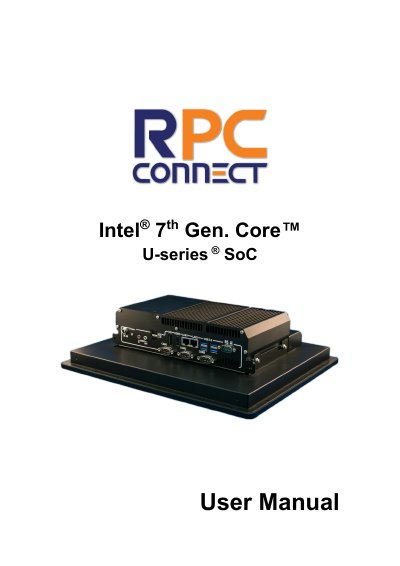
This manual covers the Intel 7th Gen Core U-series SoC Panel PC, a fanless mini system featuring an Intel processor and compact aluminum chassis. It includes general information, system specifications, and dimensions. This manual is written in Chinese.
| Processor | Intel 7th Gen. Core™ U-series or Celeron® processor |
|---|---|
| Memory | 2xDDR 4 memory up to 32GB |
| HDD Drive Bay | one 2.5” HDD drive bay |
| Ethernet LAN ports | two 10/100/1000 Ethernet LAN ports |
| USB ports | 4x USB 3.0, 2 x USB 2.0 |
| Serial ports | 2x RS232, 1x RS232/422/485 |
| Video outputs | 1X DP, 1X HDMI |
| Expansion Slot | 1x mini-PCIe Slot |
The carton includes the main system, Quick Installation Guide, QPI Panel PC/Panel Module/Box Module, Wi-Fi antenna (optional), VESA mount screw set, Drivers/Manual CD, Power Cord, HDD Screw Set, Bezel Mount screw set, Waterproof Rubber, and Power Adaptor.
All products are warranted against defective materials for two years, or one year for touch and panel components, starting from the date of delivery.
Press the key on the keyboard immediately when the system is powered on to access the BIOS setup program.
The BIOS allows you to select a Boot mode of Legacy, UEFI, or Dual.