
The Inmarsat IsatPhone Pro user manual provides safety guidelines, setup instructions, and operating procedures for the satellite phone.
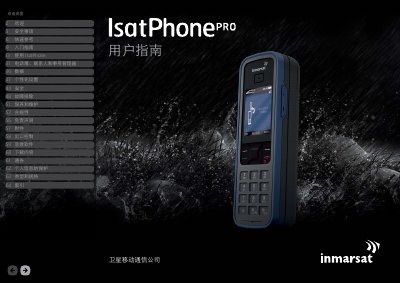
This guide covers everything you need to know to safely use the IsatPhone Pro, including safety precautions, quick reference keys, and step‑by‑step setup. It explains how to insert the SIM card, charge the battery, and connect to Inmarsat satellites for voice and data services.
Additional sections detail phonebook management, personalization options, troubleshooting, maintenance, compliance information, and legal notices. The manual also includes specifications, warranty, and export‑control details. This manual is written in Chinese.
| Maximum SAR (earpiece) | 2.0 W/kg |
|---|---|
| Maximum SAR (hand‑held) | 1.6 W/kg |
Keep the phone at least 15 cm away from any implanted pacemaker to reduce the risk of interference.
Only use batteries provided or licensed by Inmarsat; other batteries may pose safety risks.
Slide the latch down the SIM slot, flip it outward, align the cut‑corner of the SIM, and insert it with the cut corner on the left.
Close the phone, disconnect the charger, then use the Inmarsat‑approved charger and micro‑USB cable to charge the battery.