
Informatica MDM Pi Pre-Installation System Check Tool User Manual

User guide for Informatica MDM Pi, a tool to validate system and database configurations before installing Informatica MDM.
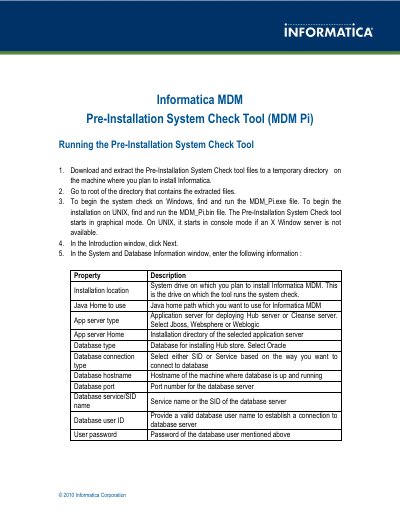

Informatica MDM Pi Pre-Installation System Check Tool User Manual - cover page
Brand
Informatica
Category
Other
Document type
User Manual
Language
Chinese
Pages
2
File format
PDF
File size
122 KB
Published
22 November, 2026
Updated
22 November, 2026
MD5 checksum
0C677EFDA1CD7360726D80A126BE9581

About this manual

This document explains how to use the Informatica MDM Pre-Installation System Check Tool (MDM Pi) to validate system requirements before installing Informatica MDM. It covers downloading, running the tool on Windows or UNIX, entering system and database details, and reviewing check results. After running the tool, it generates HTML and text summary reports with the same results shown in the interface, stored in the extraction directory. This manual is written in Chinese.

What's inside

  • Running the Pre-Installation System Check Tool
  • System and Database Information
  • Check Process and Results
  • System Check Report Files

Frequently asked questions

How do I run the MDM Pi tool on Windows?

Find and run the MDM_Pi.exe file from the extracted directory.

What files are generated after running the tool?

HTML and text summary reports are stored in the extraction directory.

Download PDF (122 KB)

More Informatica Manuals


View all Informatica manuals →