
User manual for IMKO's PICO-BT Bluetooth module and TRIME® Blue app, covering setup, Bluetooth pairing, and operation with Android smartphones.
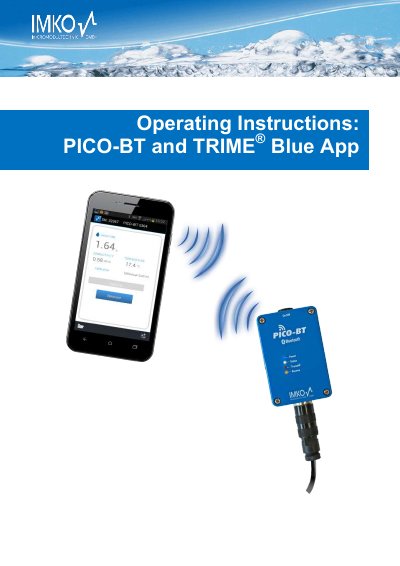
This manual guides users through installing the TRIME® Blue app and pairing it with the PICO-BT Bluetooth module. It details hardware features, charging, compatible Android smartphones, and safety precautions. The module enables control of IMKO sensors via Bluetooth using an Android device. Safety notes emphasize proper use and maintenance to avoid injury or damage.
The manual includes sections on initial configuration, first measurements, creating measuring points, sending data via email, and safety warnings. Technical specifications cover dimensions, power consumption, operating temperature, and supported sensors like PICO64 and PICO32.
| Height | 36mm |
|---|---|
| Width | 63mm |
| Length | 98mm |
| Weight | approx. 230g |
| Power Consumption (Power Down) | approx. 86µA |
| Power Consumption (Idle) | approx. 20mA |
| Power Consumption (Connected with Sensor) | ca. 100mA |
| Power Consumption (Measuring) | approx. 450mA |
| Operating Temperature | 20°C to 70°C |
| Charging Temperature | 10°C to 50°C |
| Charging Voltage | Nom. 12V, Max. 15V, Min. 12V |
| Charging Time | approx. 2h |
| Storage Battery | Ni-MH (4 x 1.2V) (AA), 1000mAh, >1500 Measurements |
| Bluetooth Specification | 2.0 |
You require an Android smartphone of version 4.0 (or higher) with a Bluetooth interface.
Switch the module on, connect the charger to the 7-pole plug, and the blue LED will blink during charging until it stops when fully charged.
The operating temperature range is 20°C to 70°C.
Compatible sensors include PICO64, PICO32, and PICO-IPH.