
User guide for the tempmate.®-M1 temperature data logger, covering operation, setup, battery management, and LCD display functions.
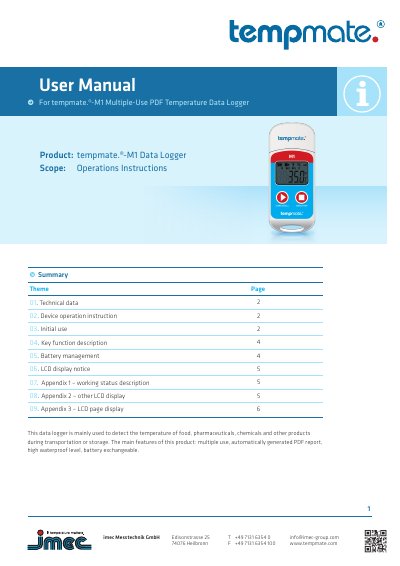
This manual provides step-by-step instructions for operating the tempmate.®-M1 temperature data logger, including initial setup, start modes, pause and mark functions, and battery management. It also explains LCD display indicators and PDF report generation. The device is designed for monitoring temperature during transport or storage of food, pharmaceuticals, and chemicals.
The logger features an NTC temperature sensor, IP67 waterproof rating, and automatic PDF reporting. It supports manual, timed, or immediate start modes and can store up to 32,000 temperature readings. Alarm settings and data visualization are configurable via the included TempBase Lite software. This manual is written in Chinese.
| Temperature Sensor | NTC internal and external optional |
|---|---|
| Measuring Range | –30 °C to +70 °C |
| Accuracy | ±0.5 °C (at –20 °C to + 40 °C) |
| Resolution | 0.1 °C |
| Data Storage | 32,000 values |
| Battery | CR2032 / replaceable by customer |
| Dimensions | 79 mm x 33 mm x 14 mm (L x W x D) |
| Weight | 25 g |
| Protection Class | IP67 |
| Interface | Integrated USB port |
| Automatic PDF Reporting | Yes |
Press the left key for 4 seconds to start manually. It can also start automatically at a programmed time or immediately after disconnecting from the computer.
When an alarm occurs, the LCD shows 'ALARM' in red with a red background. If no alarm, it shows 'OK' in green. Alarm data is color-coded: red for upper alarms, blue for lower alarms.
Yes, connect the device to a computer via USB to view data in the TempBase Lite software or in the generated PDF report.