
This manual provides instructions for installing, operating, and configuring the ientek 3000S Smart-INTM Smart Interface Software for mass flow meters.
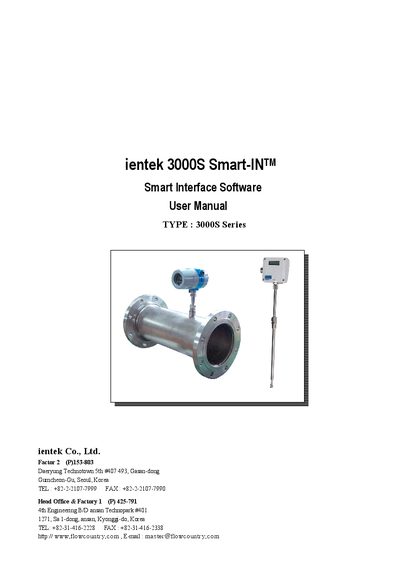
This document is the user manual for the ientek 3000S Smart-INTM Smart Interface Software, designed for use with the 3000S series smart insertion mass flow meters. It covers software installation, connection procedures, and detailed explanations of the software interface screens. This manual is written in Korean.
| Output Signals | 0-10 VDC and 4-20mA |
|---|---|
| Connection Interface | RS-232 |
Connect the computer COM1 or COM2 port to the meter's RS-232 port using a cable.
It provides a reliable solution for gas flow measurement applications.
It provides two separate output signals proportional to flow: 0-10 VDC and 4-20mA.
The meters are manufactured to be inserted into ducts or pipes ranging from 3 inches to 72 inches.