
This manual covers installation, image/video/music management, file transfer, backup settings, and troubleshooting for iDiskk Player models U018, U022, and…
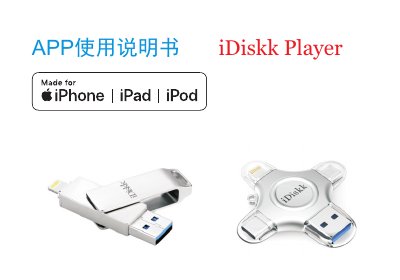
The iDiskk Player is a utility application designed to manage files on Apple devices (iPod, iPhone, iPad) using compatible external storage accessories. The manual details the installation process via the App Store and explains how to use the app to view, copy, delete, and share images, videos, music, and documents between the device's internal memory and the connected U disk or card reader. This manual is written in Chinese.
Supported image files include TIF, JPEG, JPG, PNG, GIF, and BMP.
Supported video files include M4V, MP4, MOV, WMV, RMVB, DIVX, MKV, FLV, VOB, MPG, 4K-MP4, 3G2, and 3GP.
Supported document files include DOC, PDF, PPTX, PPT, VCF, TXT, RTF, pages, numbers, key, HTML, XLSX, and XLS.
Check that the iOS version is the latest available and update if necessary.