
The Icron USB 2.0 Ranger 442/444 User Guide provides installation steps, specifications, and troubleshooting for extending USB over fiber.
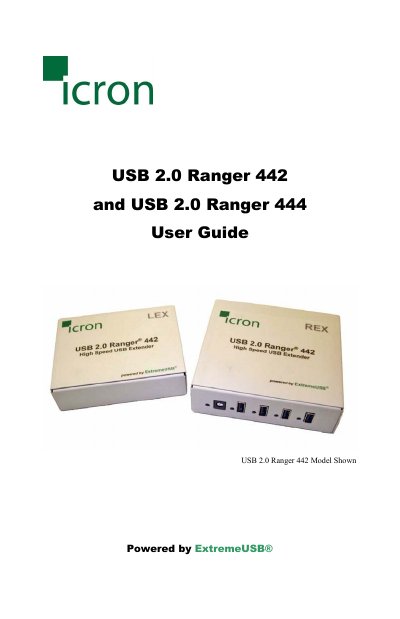
The USB 2.0 Ranger series from Icron Technologies extends USB 2.0 connectivity over multimode or single‑mode fiber‑optic cable, allowing USB devices to be placed up to 500 m (442) or 10 km (444) from the host computer. The system consists of a Local Extender (LEX) unit that connects to the host and a Remote Extender (REX) unit that provides up to four downstream USB ports.
This guide covers product contents, installation of the LEX and REX units, fiber‑optic cabling requirements, connection procedures, verification of the installation, specifications, warranty information, and how to obtain technical support.