
User guide for the i-tec CAHDMIDVIDOCKPRO USB 3.0/USB-C/Thunderbolt 3 dual docking station with HDMI, DVI and VGA ports.
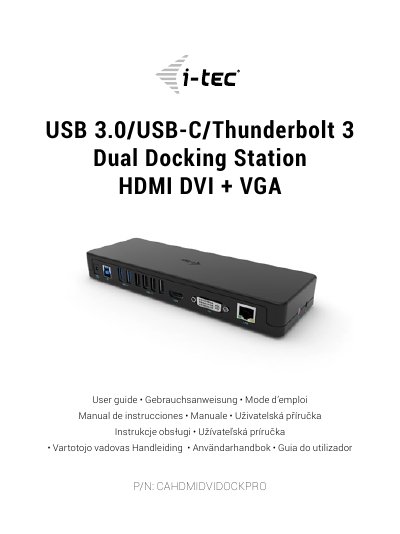
The i-tec CAHDMIDVIDOCKPRO is a USB 3.0/USB-C/Thunderbolt 3 dual docking station with HDMI, DVI and VGA video outputs. It connects to a laptop or tablet through a USB-B 3.0 port and provides USB, Ethernet, audio and video connections; both USB-A and USB-C connection cables are included.
The guide covers specifications, front and side panel descriptions, system requirements, and driver installation for Windows and macOS X. It also explains hardware connection, driver installation for Android, Chrome OS and Ubuntu, and HDMI/DVI/VGA monitor connection.
| Docking station technology | DisplayLink |
|---|---|
| Video ports | 1x HDMI, 1x DVI, 1x VGA (Adapter) |
| Single HDMI monitor resolution | up to 2560×1440/50Hz |
| USB 2.0 ports | 4x USB 2.0 |
| Ethernet port | 1x Ethernet GLAN RJ-45 port (DisplayLink DL-3900) |
| Audio ports | 1x 3.5mm Audio output, 1x 3.5mm Microphone input |
| Power input | DC 12V/2A |
| Product dimensions | 226 x 77 x 28 mm |
| Product weight | 760 g |
Yes. The manual warns not to connect the dock until the appropriate drivers are installed, and says this is only needed before first use.
It supports up to two monitors through its HDMI and DVI graphics interfaces; VGA can be connected using a DVI-VGA adapter.
Windows XP SP3/Vista/7/8/8.1/10, macOS X, Linux Ubuntu 14.04 or later, Android 5 or later and Chrome OS R51 or later.
It uses an external power adapter with DC 12V/2A output.