
The Huatos HE70x-80x thermocouple temperature meter user manual provides product overview, specifications, operation instructions, and safety guidelines.
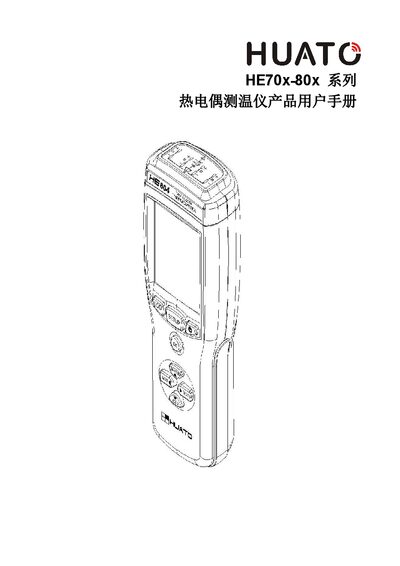
The HE70x-80x series thermocouple temperature meters from Huatos support up to four measurement channels, a temperature range of -200 °C to 1800 °C, and high‑precision readings calibrated with Fluke thermocouple calibrators. The device offers both automatic and manual data recording, up to 36 000 data points, and input isolation of 350 Vp‑p to protect the sensor connections.
The manual details software setup with the TESPRO program, USB driver installation (CH341SER), data download, deletion, and analysis functions, as well as button operations, LCD display symbols, and safety precautions such as battery replacement and proper environmental use. This manual is written in Chinese.
| Temperature measurement range | -200 °C to 1800 °C |
|---|---|
| Number of measurement channels | 1, 2 or 4 channels (HE701/801, HE702/802, HE704/804) |
| Manual record capacity | 88 groups per channel |
| Automatic record capacity | up to 36 000 groups |
| Input isolation voltage | 350 Vp‑p |
Copy the driver files from the supplied CD, then install the CH341SER driver – use the 64‑bit version for Windows 7 64‑bit, or the 32‑bit version for Windows XP/Vista/7 32‑bit.
Enter SETUP mode, press the unit key to toggle between ℃ and ℉, then press OK to confirm the selection.
In SETUP mode, select the MEM delete option, toggle the DIS symbol to En, and press OK to erase the manual records.