
The Huanan X6-FD motherboard user manual provides safety guidelines, installation steps, driver setup, and BIOS configuration.
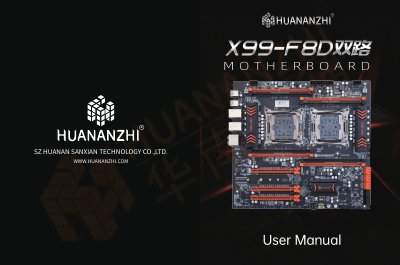
This manual covers safety precautions for handling the motherboard, including ESD protection and proper packaging. It then walks the user through unpacking, identifying components, and installing the CPU, memory, graphics card, and other peripherals.
Later sections describe driver installation for audio, network, and chipset, as well as detailed BIOS/CMOS setup instructions. The rear I/O panel layout and connector pinouts are also illustrated to aid final system configuration. This manual is written in Chinese.
| CPU socket | Intel LGA |
|---|---|
| Supported RAM | DIMM up to GB DDR, non‑ECC/ECC, quad‑channel |
| SATA interface | SATA (max transfer speed up to GB/s) |
| Secondary SATA | SSATA |
| USB ports | Multiple USB 2.0/3.0 interfaces |
| Network interface | Realtek Gigabit LAN (RJ45) |
Power on the system and press the Delete key to open the AMI BIOS CMOS SETUP screen.