
The Huace D130 depth sounder user manual explains operation, menu settings, data handling and troubleshooting.
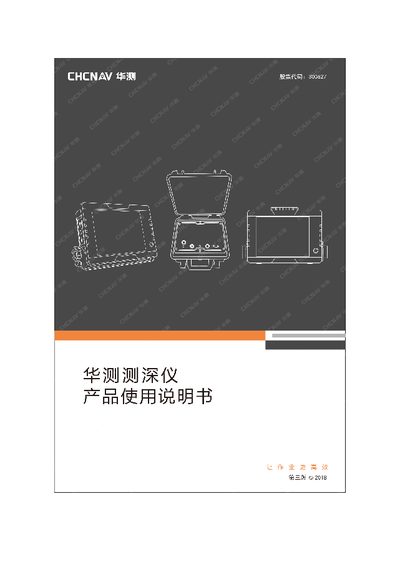
The D130 is a handheld ultrasonic depth sounder that combines high‑frequency (100‑200 kHz) and low‑frequency (20‑48 kHz) transducers for accurate water‑depth measurement. It features a modular circuit design, four‑wire isolated current output and bilingual menus.
The manual covers measurement principles, hardware overview, software configuration (HydroSounder and HydroSurvey 6), data acquisition, SD‑card export, and common troubleshooting steps. This manual is written in Chinese.
| High‑frequency transducer frequency | 100–200 kHz |
|---|---|
| Low‑frequency transducer frequency | 20–48 kHz |
| Host thickness | 35 mm |
| Supply voltage (Vcc) | 2.72 V |
| Measured depth example | 98.570 m |
Press the ■ and ▲ keys together while powering on, or enter the administrator password 2006 and select the restore option in the system settings.
Power off the unit, remove the SD card, insert it into a card reader, and open the exported Excel file containing date, time, depth and temperature columns.
Enter the administrator password (2006), go to Output Settings, choose Serial Output, select Custom Receive Protocol, configure the parameters and save.