
This HP setup guide covers Windows, Linux, and FreeDOS products and explains how to access user guides and find support at hp.com/support.
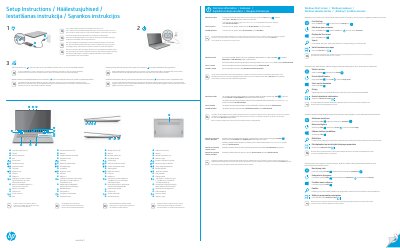
This HP document provides setup instructions for Windows, Linux, and FreeDOS products. It explains how to access user guides using HP Documentation, the HP Documents icon, or the Boot Menu, and points users to hp.com/support for manuals, updates, and accessories. A User Guides disc is included with some products.
Before first use, connect the AC adapter and confirm the preinstalled battery is present. Setting up a WLAN requires a broadband modem, internet service, and a wireless router. The guide also covers the Windows Start screen, settings, shutdown, search, and a diagram of computer features such as ports, camera, touchpad, and vents.
| Preinstalled battery | Included |
|---|---|
| AC adapters | Two |
| USB ports | 2 |
| Memory card reader | Included |
Type HP Documentation in the taskbar search box and select HP Documentation.
Select the Start button, select the Power icon, and then select Shut down.
A broadband modem, internet service, and a wireless router are required.
Go to http://www.hp.com/support and follow the instructions to find your product.