
Installation guide for HP ScanJet Pro 2000 s1, 3000 s3 and ScanJet Enterprise Flow 5000 s4, Flow 7000 s3 scanners, covering unpacking, power and software setup.
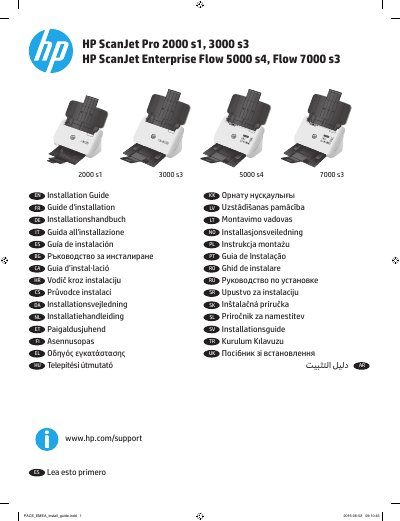
This HP installation guide covers the HP ScanJet Pro 2000 s1 and 3000 s3, and the HP ScanJet Enterprise Flow 5000 s4 and Flow 7000 s3 scanners. It lists the models on the cover, then shows removing all tape and packing material from the scanner.
Next, the guide shows connecting the power cable to the power supply and connecting the power supply cable to a power outlet or surge protector. If the green LED is on, the power supply is connected to the back of the scanner and the Power button is pressed. The cover lists the installation guide title in multiple languages.
| Weight range | 2.6–3.8 kg (5.7–8.4 lb) |
|---|
All tape and packing material should be removed from the scanner.
The power cable is connected to the power supply, and the power supply cable is connected to a power outlet or surge protector.
Plug the power supply into the back of the scanner, then press the Power button.