
Installation guide for HP ProCurve Series 2700 switches, covering switch features, mounting, power and network connections, troubleshooting, and specifications.
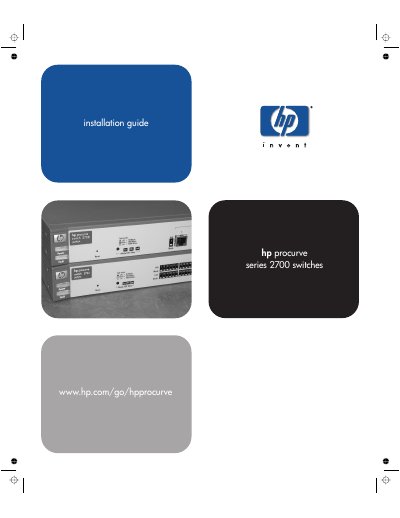
The HP ProCurve Series 2700 Switches Installation Guide covers the HP ProCurve Switch 2708 (HP J4898A) and Switch 2724 (HP J4897A). It describes the front and back of the switches, their features, and switch operation.
The guide also provides installation procedures, including site preparation, verifying switch operation, rack, cabinet, wall, or horizontal surface mounting, power connection, and network cable connection. It includes troubleshooting, specifications, cabling pin-outs, and safety and EMC regulatory statements.
| Switch 2708 network ports | 8 auto-sensing 10/100/1000Base-T RJ-45 ports |
|---|---|
| Switch 2724 network ports | 24 auto-sensing 10/100/1000Base-T RJ-45 ports |
| Auto MDI/MDI-X support | IEEE 802.3ab Auto MDI/MDI-X |
| Switch operation | Store-and-forward |
It has 8 auto-sensing 10/100/1000Base-T RJ-45 ports.
It has 24 auto-sensing 10/100/1000Base-T RJ-45 ports.
Yes. The ports support IEEE 802.3ab Auto MDI/MDI-X, so either straight-through or crossover twisted-pair cables can be used.
It resets the switch while it is powered on.