
The HP Photosmart C7100 All-in-One Basics Guide covers setup, controls, printing, copying, scanning, faxing, and troubleshooting for the HP All-in-One printer.
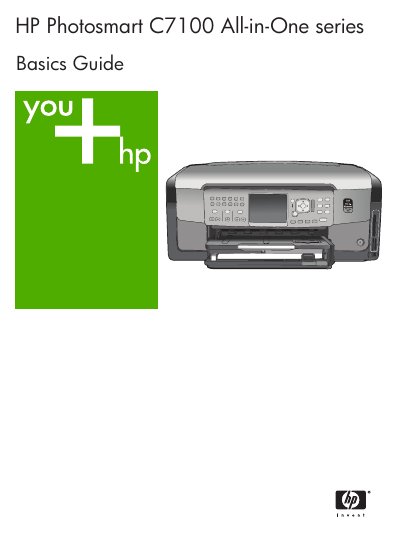
The HP Photosmart C7100 All-in-One Basics Guide is the user manual for the HP Photosmart C7100 All-in-One printer. It covers basic operations such as making copies, scanning documents, printing photos from a memory card, and sending and receiving faxes.
The guide also describes the control panel, HP Photosmart software, wired and wireless network setup, fax setup, loading paper and originals, replacing ink cartridges, cleaning, troubleshooting, and technical specifications.
| Black print resolution | Up to 1200 x 1200 rendered dpi |
|---|---|
| Color print resolution | Up to 4800 x 1200 optimized dpi |
| Print method | Drop-on-demand thermal inkjet |
| Page description language | PCL3 GUI |
| Monthly duty cycle | Up to 3000 printed pages per month |
| Plain paper input capacity | Up to 100 sheets |
Use the memory card slots or front USB port to print or edit photos from a memory card or storage device.
The duty cycle is up to 3000 printed pages per month.
Press the Help button on the control panel to open the Help Menu on the display.
It uses PCL3 GUI as the page description language.