
This guide provides instructions for unpacking, connecting power, setting language and country, preparing the print cartridge, and printing the first photo…
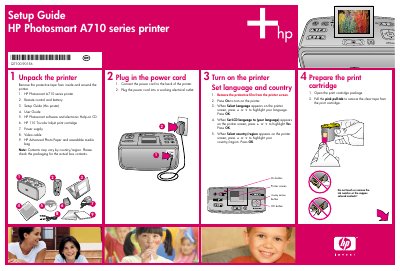
This document serves as a setup guide for the HP Photosmart A710 series printer. It details the initial steps required to prepare the device for use, including unpacking the unit, connecting the power supply, and configuring the printer's language and country settings via the screen interface.
The box includes the printer, remote control and battery, setup guide, user guide, software on CD, ink cartridge, power supply, video cable, and photo paper.
HP Advanced Photo paper is recommended to produce beautiful photos with the printer’s inks.
Open the print cartridge door, insert the cartridge with label up and copper contacts facing in, push until it snaps, then close the door.