
HP PageWide Pro 352/377, 452/477, and 552/577 printer troubleshooting manual covering theory of operation, error codes, and print quality, paper handling…
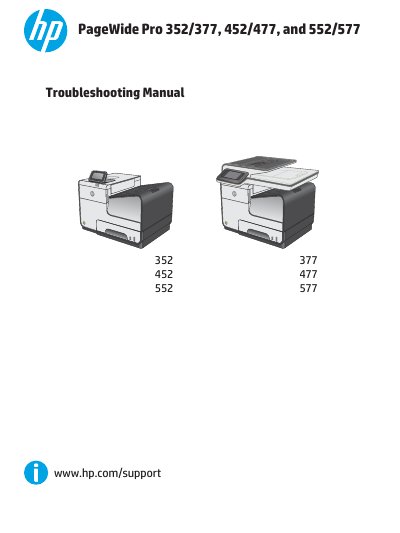
This HP PageWide Pro troubleshooting manual covers the 352/377, 452/477, and 552/577 printer series. It explains theory of operation, basic operation, function structure, and system control for the print subsystem, paper-handling system, servicing system, document feeder, scanning, and fax functions.
The manual provides step-by-step troubleshooting for power and electronics, print quality, paper handling, connectivity, copy/scan, fax, and memory device problems, plus front-panel error codes, control-panel messages, and event log codes.
This manual covers the HP PageWide Pro 352/377, 452/477, and 552/577 printer series.
Use paper that meets HP specifications and check the paper type setting in the print driver.
Jams can occur in the document feeder, scanner, output bin, and Tray 2.
The manual includes a section on restoring the factory-set defaults.