
This user guide provides instructions for setting up, using, and maintaining the HP LaserJet P2050 Series printer, including software installation…
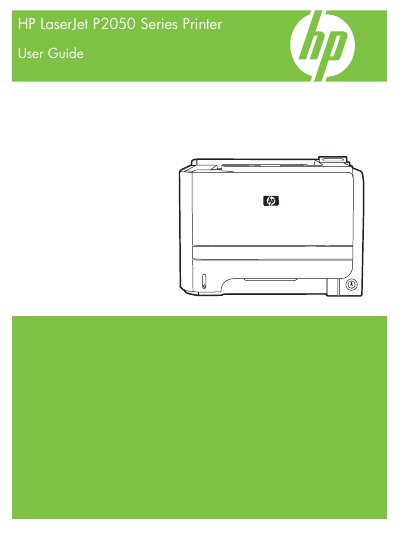
The HP LaserJet P2050 Series is a laser printer designed for efficient printing. This manual covers product basics, control panel usage, and features such as EconoMode and Quiet mode. It details how to install the necessary software for Windows and Macintosh operating systems and explains various connectivity options including USB and network configurations.
| Tray 1 capacity (bond paper) | 50 sheets of 75 g/m2 (20 lb) bond |
|---|---|
| Tray 1 capacity (envelopes) | Up to 10 envelopes |
| Tray 2 capacity (bond paper) | 250 sheets of 75 g/m2 (20 lb) bond |
| Tray 3 capacity (bond paper) | 500 sheets of 75 g/m2 (20 lb) bond |
Common causes include using paper that does not meet HP specifications, incorrect tray loading, skewed paper, or poor paper condition.
No, you should not use paper that has already passed through a product or copier.