
This guide covers the setup, use, and troubleshooting of the HP Officejet Pro 8500A A910 printer, including fax, wireless, and digital solutions.
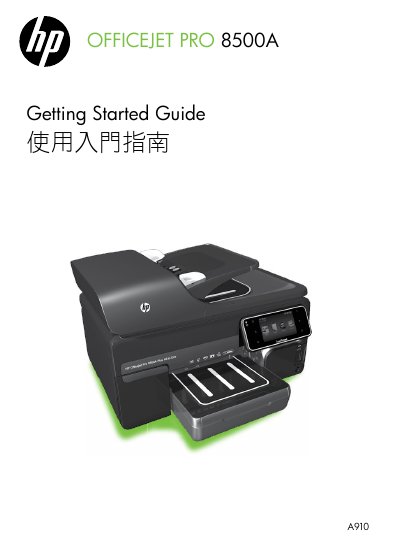
This document serves as the Getting Started Guide for the HP Officejet Pro 8500A A910 printer. It provides essential information on using the printer's control panel, scanning, copying, and faxing functions, as well as accessing the user guide via software. The guide also details the setup and usage of HP Digital Solutions, such as HP Direct Digital Filing and HP Digital Fax, which allow for network storage and email forwarding of documents. This manual is written in Japanese.
You can print documents and photos, scan documents to a connected computer, make copies, and send or receive faxes.
No, you cannot use these Web features if the printer is connected using a USB cable.