
HP OfficeJet 8020 series printer user guide with setup, printing, copying, scanning, fax, cartridge, network, troubleshooting, and specification information.
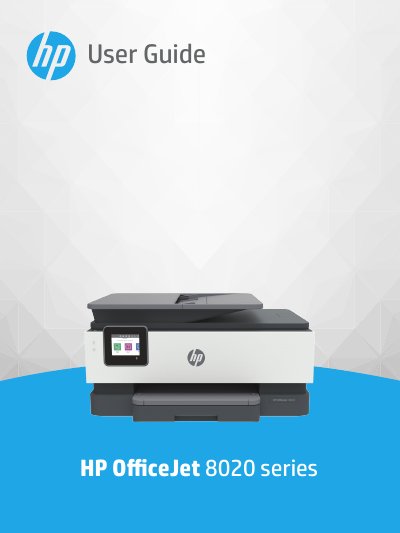
The HP OfficeJet 8020 series user guide explains how to use the printer and how to resolve problems. It opens with getting started topics such as printer parts, control panel use, paper loading, software access, and turning the printer off.
Later sections cover printing, copying and scanning, faxing, Web Services, cartridges and printhead information, network setup, and printer management tools. The guide also includes troubleshooting, maintenance, factory reset information, HP support, and technical information with specifications and regulatory notices.
| Sleep mode inactivity period | 5 minutes |
|---|---|
| Auto-Off inactivity period | 8 hours |
| Quiet Mode default | Off |
Open the Dashboard, touch Setup, touch Quiet Mode, then turn on the toggle button next to Quiet Mode.
It enters Sleep mode after five minutes of inactivity.
It turns the printer off after 8 hours of inactivity.
No. Quiet Mode does not work if you print photos or envelopes.