
This user guide provides instructions for setting up, printing, scanning, copying, and using fax features on the HP Officejet 7610 Wide Format e-All-in-One…
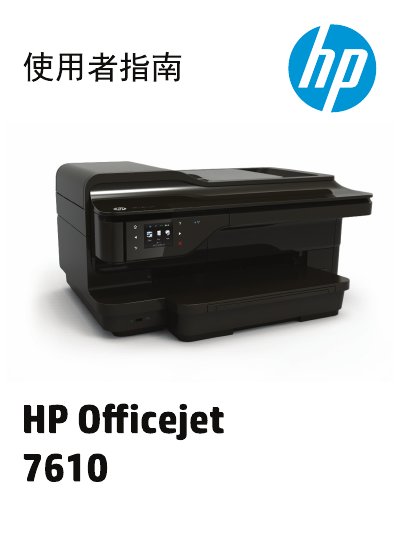
This document is the user manual for the HP Officejet 7610 Wide Format e-All-in-One. It covers initial setup, safety information, and detailed instructions for operating the device's core functions including printing documents and photos, scanning to computer or email, copying, and sending/receiving faxes. This manual is written in Chinese.
You must unplug the power cord from the wall outlet before cleaning the product.
No, there are no user-serviceable parts inside the unit.
You should refer to the Troubleshooting section located on page 87.