
HP OfficeJet 7500A (E910) User Manual

User guide for the HP OfficeJet 7500A (E910) multifunction printer, covering setup, operation, maintenance, and troubleshooting.
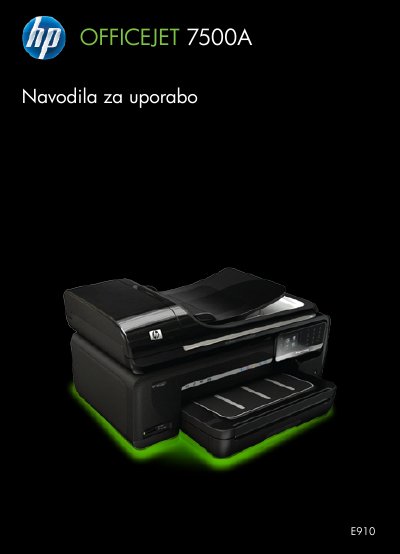

HP OfficeJet 7500A (E910) User Manual - cover page
Brand
HP
Category
Printer
Document type
User Manual
Language
SL
Pages
258
File format
PDF
File size
11.6 MB
Published
22 November, 2026
Updated
22 November, 2026
MD5 checksum
0C597D94917A49E833142027D5809D21

About this manual

This manual provides step-by-step instructions for operating the HP OfficeJet 7500A (E910) multifunction printer. It includes sections on printing, scanning, copying, and faxing, as well as maintenance and troubleshooting. Safety precautions and technical specifications are also detailed. The guide is written in Slovenian but contains English product names and technical terms.

What's inside

  • Getting Started
  • Printing Documents
  • Scanning Documents
  • Copying Documents
  • Faxing
  • HP Apps
  • Ink Cartridges
  • Troubleshooting
  • Technical Specifications

Specifications

ModelOfficeJet 7500A (E910)
Printer TypeMultifunction Printer

Frequently asked questions

What is the model name of this device?

HP OfficeJet 7500A (E910).

Download PDF (11.6 MB)

More HP Manuals


View all HP manuals →