
This user guide provides instructions for setting up, operating, maintaining, and troubleshooting the HP Officejet 7110 Wide Format printer.
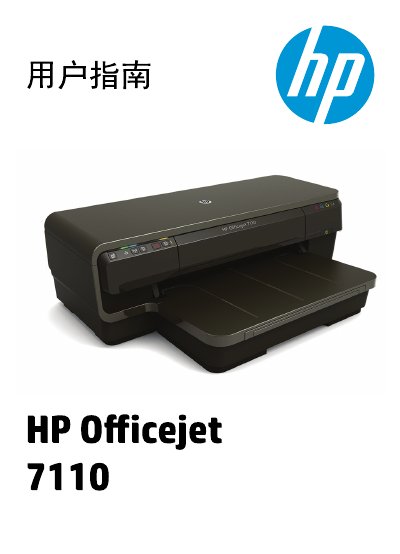
This document serves as the comprehensive user guide for the HP Officejet 7110 Wide Format printer. It covers essential topics including getting started, using the printer for various tasks like printing documents and photos, and utilizing HP ePrint services. The guide provides detailed step-by-step instructions for loading different paper types, managing ink cartridges, and configuring network settings for both wired and wireless connections.
| Product Name | HP Officejet 7110 Wide Format |
|---|
You must unplug the power cord from the wall outlet before cleaning the product.
Qualified service personnel must handle all repair tasks because there are no user-serviceable parts inside.
You must define the custom size in the HP software that came with the printer before you print.