
This user guide covers the installation, setup, configuration, and troubleshooting for the HP MFP Analog Fax Accessory 700.
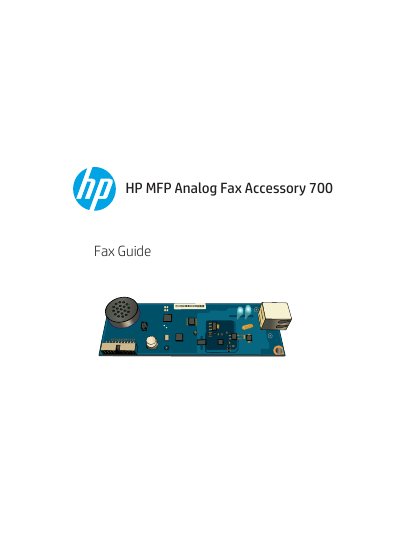
The HP MFP Analog Fax Accessory 700 enables an HP multifunction product (MFP) to function as a standalone analog fax machine. This guide provides instructions on installing the accessory card into the printer's formatter, connecting it to a dedicated analog phone line, and verifying operation via the control panel.
| Modem speed | Up to 33.6K bits per second (bps) |
|---|---|
| Fax resolution | Standard - 200 x 100 dpi, Fine - 200 x 200 dpi, Superfine - 300 x 300 dpi |
| Operating temperature | 10 to 32.5° C (50 to 91° F) |
| Fax compatibility | CCITT/ITU Group 3, EIA/TIA Class 1, Class 2.1 |
The phone line must be a dedicated analog line not used by other devices.
Check the printer control panel; on FutureSmart 3, the icon will be dimmed if not configured.
The device supports MH, MR, MMR, and JBIG compression.