
This guide provides installation instructions for the HP Color LaserJet Enterprise MFP 5800 series, covering setup, power connection, and network configuration.
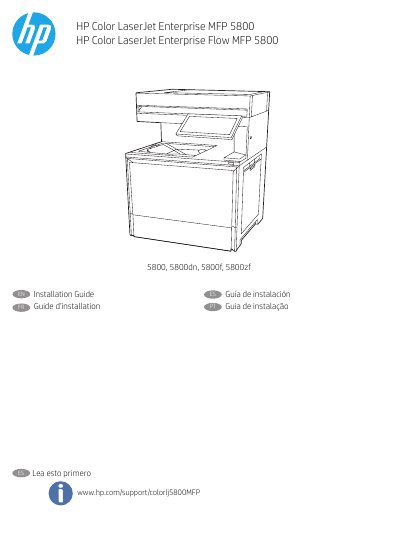
This document serves as the installation guide for the HP Color LaserJet Enterprise MFP 5800 series, including models 5800, 5800dn, 5800f, and 5800zf. It provides step-by-step instructions for positioning the printer in a suitable environment and connecting necessary cables.
| Maximum recommended configuration height | 126 cm (49.6 in) |
|---|---|
| Supported voltage ratings | 100-127 Vac or 220-240 Vac |
| Default USB port status | Disabled |
No, the cables are not included with the printer and must be connected separately.
The maximum recommended product configuration height is 126 cm (49.6 in).
The printer uses either 100-127 Vac or 220-240 Vac and 50/60 Hz.