
HP LaserJet Enterprise MFP M630 User Guide

User guide for the HP LaserJet Enterprise MFP M630 series covering printing, scanning, copying, faxing, and troubleshooting.
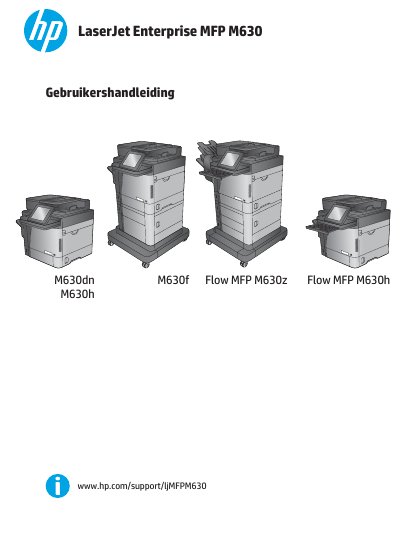

HP LaserJet Enterprise MFP M630 User Guide - cover page
Brand
HP
Category
Printer
Document type
User Manual
Language
Dutch
Pages
222
File format
PDF
File size
5.5 MB
Published
23 November, 2026
Updated
23 November, 2026
Model
M630
MD5 checksum
40545F7331A4DA07DE79E1FFE97440D6

About this manual

This document is the user guide for the HP LaserJet Enterprise MFP M630 series, which includes the M630z, M630f, M630dn, and M630h models. It provides comprehensive instructions on setting up the device, managing paper trays, and performing core functions such as printing, copying, scanning, and faxing. This manual is written in Dutch.

What's inside

  • Introduction
  • Paper Trays
  • Components, Supplies, and Accessories
  • Printing
  • Copy
  • Scan
  • Fax
  • Managing the Device
  • Troubleshooting

Frequently asked questions

Which M630 models are listed on the cover?

Flow MFP M630z, M630f, M630dn, M630h, and Flow MFP M630h.

What is the capacity of the HP high-capacity input tray?

1500 vel.

Which trays are described as 500-vel trays?

Tray 2 and the 500-vel trays.

What maximum power consumption can be configured for sleep mode?

A maximum of 1 watt.

Download PDF (5.5 MB)

More HP Manuals


View all HP manuals →