
User manual for the HP Photosmart M305/M307 digital camera covering setup, photos and video clips, playback, HP Instant Share, menus, and troubleshooting.
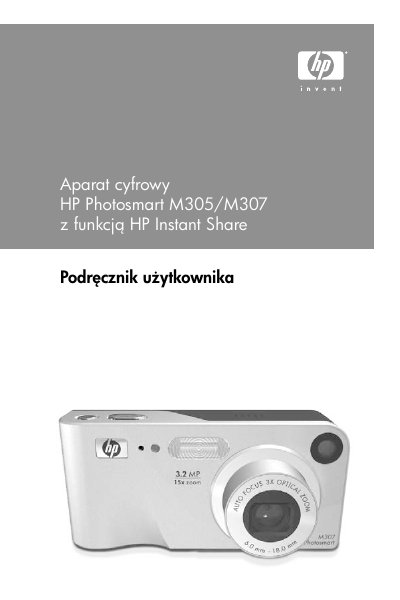
This user manual for the HP Photosmart M305/M307 digital camera covers initial setup, installing batteries and an optional memory card, selecting a language, setting the date and time, and installing software. It describes the camera parts, menus, and status screen, and explains taking pictures and recording video clips with focus, zoom, flash, shooting modes, self-timer, and burst settings.
The manual also covers reviewing and rotating images, deleting files, HP Instant Share destinations, transferring and printing images, the Setup menu, troubleshooting and error messages, battery care, accessories, specifications, and warranty information. This manual is written in Polish.
| Direct printing compatibility | HP Photosmart printers and PictBridge-compatible printers |
|---|
It lets you mark images in the camera so they are automatically sent to selected destinations, such as email addresses and online albums, when the camera is connected to a computer.
It is a digital camera with an HP Instant Share feature.
It lets you transfer images to a computer, send images to a printer or TV, and charge NiMH batteries in the camera.