
This user guide provides instructions for operating, connecting, and maintaining the HP LaserJet Pro 100 Color MFP M175 multifunction printer.
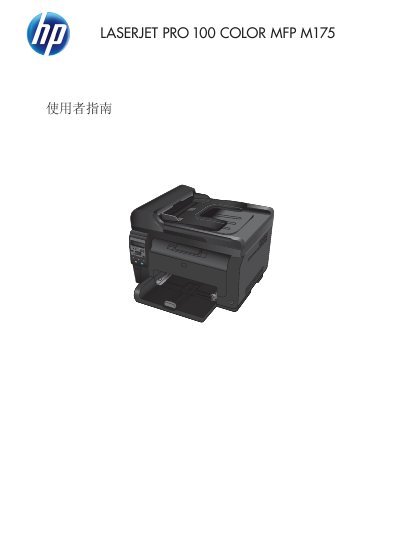
This manual covers the basic functions, control panel features, and software usage for the HP LaserJet Pro 100 Color MFP M175. It includes detailed instructions for connecting the device to Windows and Mac computers, as well as setting up network connections for network models.
The guide also explains how to use the printer's core functions, including printing, copying, and scanning. It provides information on managing paper trays, replacing toner cartridges and imaging units, and performing maintenance tasks to ensure optimal performance. This manual is written in Chinese.
The part number listed in the copyright section is CE866-90930.
Edition 1 of the guide was released in July 2012.