
User guide for HP LaserJet Pro 100 Color MFP M175 with installation, wireless setup, copying, scanning, and toner replacement instructions.
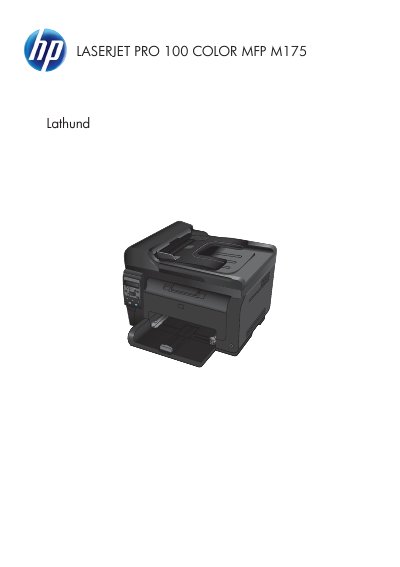
This manual provides step-by-step instructions for installing and configuring the HP LaserJet Pro 100 Color MFP M175, including USB and wireless connections via HP Smart Install. It covers enabling HP Web Services, adjusting copy quality settings, scanning with HP Scan, and replacing toner cartridges. The guide also includes maintenance tips for the scanner glass and paper handling guidelines for optimal print quality.
The manual is written in Swedish and includes safety warnings, troubleshooting notes, and compatibility information for Windows operating systems. It emphasizes using HP-approved paper and toner to avoid voiding warranty or damaging the device.
It is a color multifunction laser printer that can print, copy, and scan documents.
Connect the supplied USB cable to the computer and product, then follow the on-screen instructions. Remove the USB cable only when prompted.
Use the Blandat (Mixed) setting, which is intended for documents containing both text and graphics.
Make sure all doors are closed and the imaging drum is installed before pressing the Cartridge button. Wait until the rotation message stops and the rotation signal is silent before opening the toner-cartridge door.