
This guide provides operating instructions for the HP LaserJet Pro M1530 MFP series, covering printing, copying, scanning, and faxing functions.
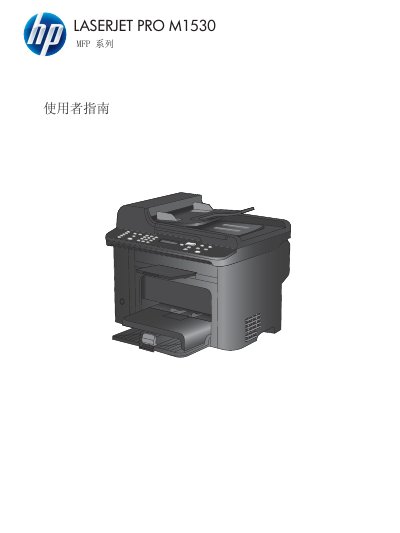
This document is the User Guide for the HP LaserJet Pro M1530 MFP series. It details the product's basic functions, environmental features, and assistive tools. The guide explains how to use the control panel, install software for Windows and Mac, and connect the device to a network or via USB.
The manual provides step-by-step instructions for performing core tasks such as printing, copying, scanning, and sending/receiving faxes. It also covers paper management, driver installation, and troubleshooting common issues related to the device's operation and connectivity. This manual is written in Chinese.
The product weighs 11.7 kilograms.
The product is 373 millimeters high, 343 millimeters deep, and 441 millimeters wide.