
This user guide provides configuration, use, warranty, safety, and environmental information for the HP LaserJet MFP M139e-M142e series printers.
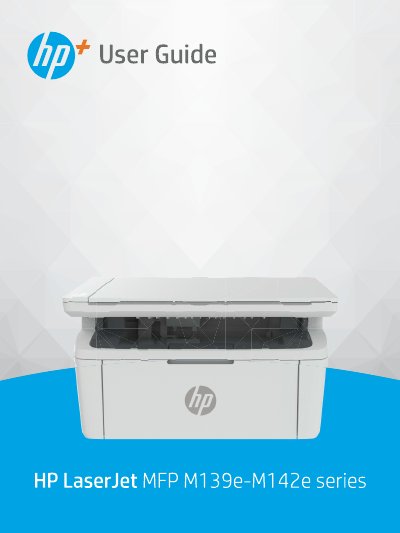
This guide covers the setup and operation of the HP LaserJet MFP M139e-M142e series. It includes instructions on getting started, connecting the printer to networks or computers, loading media, and performing print, copy, and scan functions. The guide also details how to configure settings via the Embedded Web Server or HP Utility, replace toner cartridges, and solve common problems.
Users must unplug the product from wall outlets before cleaning and should not install or use the product near water or when wet.
The user should refer to the 'Solve problems' section in the guide to address the issue.
No, there are no user-serviceable parts inside, so servicing must be referred to qualified personnel.