
HP Latex 700/800 Printer Series Window Graphics Guide

An HP guide for creating window graphics on clear vinyl or PET film with Latex 700/800 printers, from substrate and white-ink setup to RIP and finishing.
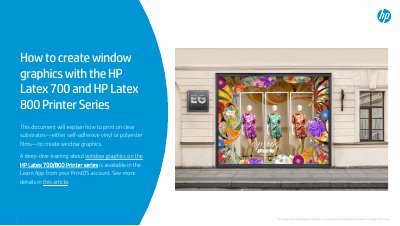

HP Latex 700/800 Printer Series Window Graphics Guide - cover page
Brand
HP
Category
Printer
Document type
Application Note
Language
English
Pages
21
File format
PDF
File size
5.4 MB
Published
11 November, 2026
Updated
11 November, 2026
MD5 checksum
190965F7061917F6F9DD383AC5C418FD

About this manual

This document explains how to print on clear substrates—self-adhesive vinyl or polyester films—to create window graphics with the HP Latex 700 and HP Latex 800 Printer Series. It lists the materials and tools needed and walks through the workflow from preparing the substrate and job to printing, post-print finishing, and installation.

It also covers substrate presets and film types, measuring windows, mirroring and white print modes for different viewing sides, creating white ink layers with Adobe or RIP software, contour cuts, certified RIPs (ONYX, Caldera, and SAi), choke settings, and the option to optimize lamination.

What's inside

  • Preparing the substrate
  • Preparing the job
  • The printing process
  • Before printing
  • Printing
  • After printing
  • Post-print finishing
  • Installation
  • RIP processes
  • The Choke functionality

Frequently asked questions

What clear substrates can be used for window graphics?

Clear self-adhesive vinyl or polyester film.

Which white print mode should be used if the image must be viewed from both sides?

Sandwich mode.

Which RIPs are certified for HP Latex 700/800 series printers?

ONYX, Caldera, and SAi.

What is the default choke value applied by the RIP?

3 pixels.

Download PDF (5.4 MB)

More HP Manuals


View all HP manuals →