
Guide to printing vehicle graphics with HP Latex 200 and 800 series printers, covering media settings, vinyl handling, and print modes.
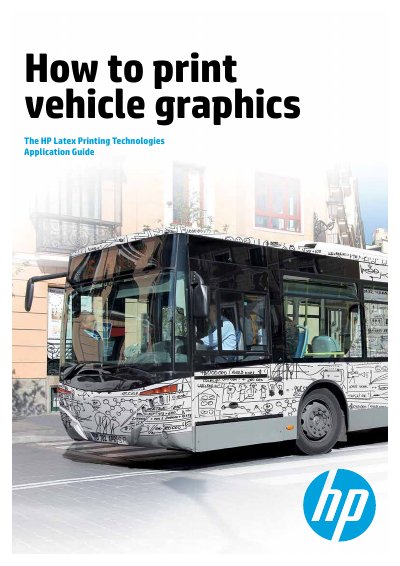
This application guide explains how to print vehicle graphics with HP Latex Printing Technologies on HP Latex 200 series and HP Latex 800 series printers. It describes the printing process, downloading printer settings and ICC profiles from the HP Media Solutions Locator, and the recommended print modes for each series.
The guide also covers handling self-adhesive vinyl, printer environment specifications, preparation before a larger job, parent substrates, ink restrictions, and the step-by-step loading and setup process for the two printer series.
| Optimal operating temperature | 20 to 25°C (68 to 77°F) |
|---|---|
| Optimal operating humidity | 40 to 60% Relative Humidity |
| Standard operating temperature | 15 to 30°C (59 to 86°F) |
| Standard operating humidity | 20 to 70% Relative Humidity |
| Temperature gradient | 10°C/h (50°F/h) or less |
| HP Latex 200 series recommended print mode | 10 pass bidirectional, Normal ink setting |
| HP Latex 800 series recommended print mode | 6 pass bidirectional or 8-pass unidirectional, 100% ink coverage |
| HP Latex 200 series drying temperature for self-adhesive vinyl | 55ºC (131ºF) |
HP provides printer settings and ICC profiles to download from the Media Solutions Locator at hp.com/go/mediasolutionslocator.
Store self-adhesive vinyl in an upright position and not directly on the ground.
HP recommends automatic printhead cleaning, automatic printhead alignment, and color calibration before a larger print job or after a long period without printing.
HP recommends 6 pass bidirectional or 8-pass unidirectional with 100% ink coverage.