
User guide for HP LaserJet Pro M404-M405 printer covering setup, printing, troubleshooting, and specifications.
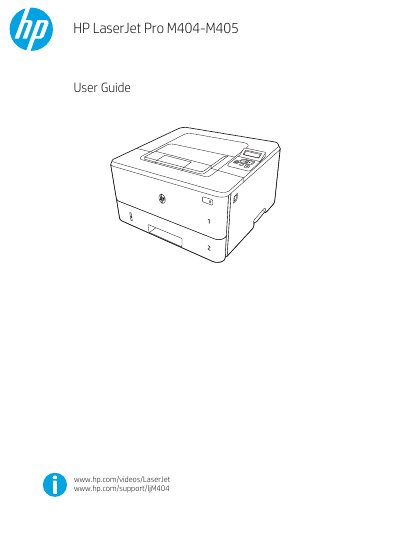
This user guide provides step-by-step instructions for setting up, printing with, and troubleshooting the HP LaserJet Pro M404-M405 printer. It covers loading paper, installing toner cartridges, configuring network settings, and managing print jobs. The guide also includes technical specifications, supported operating systems, and mobile printing options.
For advanced configuration and firmware updates, users can access the HP Embedded Web Server or use the HP Printer Update utility. Troubleshooting sections address common issues like paper jams, print quality problems, and network connectivity issues.
| Supported operating systems | Windows 7, 8, 8.1 (32-bit and 64-bit), macOS, Linux, UNIX |
|---|---|
| Print drivers | HP PCL 6 (V3 or V4) |
The printer supports Windows 7, 8, 8.1 (32-bit and 64-bit), macOS, Linux, and UNIX.
Download HP Easy Start from 123.hp.com/LaserJet or the Printer Support page, then use it to install the HP print driver.