
This HP service manual provides removal, replacement, troubleshooting, and parts information for the LaserJet Pro CM1410 Color MFP series.
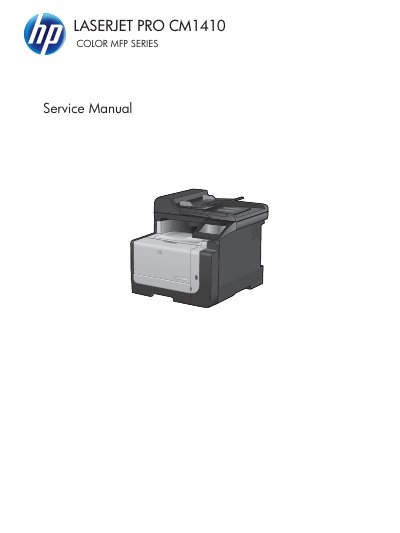
This HP service manual covers the LaserJet Pro CM1410 Color MFP series and is intended for technicians servicing the product. It includes removal and replacement procedures, electrostatic discharge precautions, required tools, and post-service tests.
The manual also contains troubleshooting tools, control-panel messages, service mode functions, product resets, parts lists, diagrams, and product specifications such as physical and environmental data.
| Height | 413 mm (16.3 inches) |
|---|---|
| Depth | 472 mm (18.6 inches) |
| Width | 442 mm (17.4 inches) |
| Weight | 22.6 kg (49.8 lb) |
| Recommended operating temperature | 15° to 32.5° C (59° to 90.5° F) |
| Storage temperature | –20° to 40° C (–4° to 104° F) |
| Relative humidity (operating) | 20 to 70% |
| Altitude | 0 to 3048 m (0 to 10,000 ft) |
The part number is CE861-90939, Edition 1, dated 9/2010.
It weighs 22.6 kg (49.8 lb).
The recommended operating temperature is 15° to 32.5° C (59° to 90.5° F).