
User guide for the HP LaserJet Pro 100 Color MFP M175 printer, covering setup, operation, troubleshooting, and maintenance.
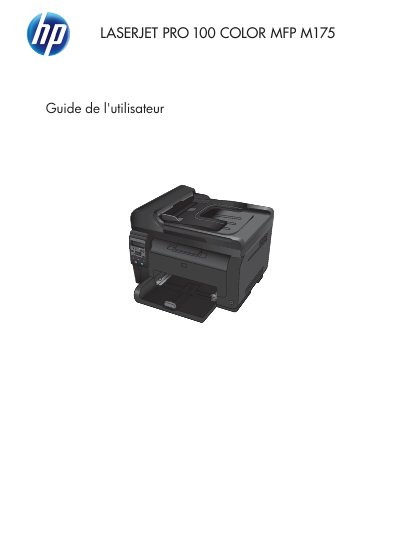
This document provides step-by-step instructions for operating the HP LaserJet Pro 100 Color MFP M175 printer. It covers installation, printing, copying, scanning, network setup, paper handling, toner management, and troubleshooting. The guide includes sections for Windows and Mac users, as well as detailed menus and configuration options for the printer’s control panel.
The manual also explains how to manage consumables, adjust print settings, handle color options, and perform maintenance tasks. It includes safety warnings, environmental specifications, and technical details for proper use and support. This manual is written in French.
| Model Number | M175 |
|---|---|
| Language | French |
| Edition Date | July 2012 |
| Document Reference Number | CE866-90911 |
Use HP Smart Install to connect to a computer, wired network, or wireless network.
The manual covers supported operating systems, printer drivers, and installation procedures for Mac.
Follow the replacement instructions provided in the section on managing toner cartridges and imaging drum.