
HP LaserJet MFP M139-M142 Series Printer Reference Guide

Reference guide for the HP LaserJet MFP M139-M142 series covering control panel lights, display codes, and Wi-Fi setup help in English, French, and Spanish.
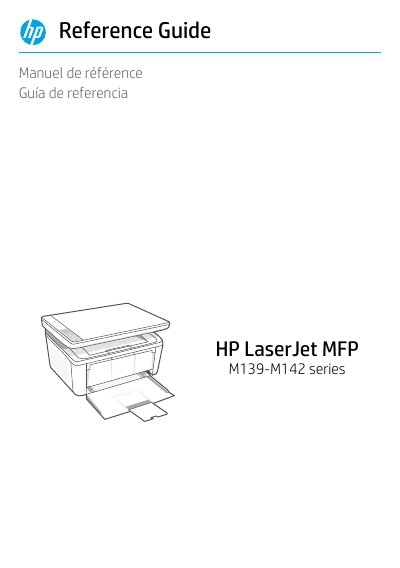

HP LaserJet MFP M139-M142 Series Printer Reference Guide - cover page
Brand
HP
Category
Printer
Document type
User Manual
Language
English
Pages
8
File format
PDF
File size
2.4 MB
Published
17 November, 2026
Updated
17 November, 2026
MD5 checksum
2C6A90632073561FEAAC383402957BE3

About this manual

This HP LaserJet MFP M139-M142 series Reference Guide explains the printer control panel, light patterns, display codes, and related actions. It lists codes such as Er/01 for loading paper, Er/04, Er/05, and Er06 for clearing a paper jam, and Er/07 and Er/11 for reinstalling the cartridge.

The guide also provides Wi-Fi and connectivity help for the wireless model, including restarting Wi-Fi setup mode, using the HP Smart app, and notes about 2.4 GHz connections, VPN use, Bluetooth, and location services. The document includes English, French, and Spanish sections.

What's inside

  • Control panel
  • Light patterns
  • Printer display codes
  • Help and tips for Wi-Fi and connectivity
  • Printer Wi-Fi setup mode timed out
  • Computer or mobile device too far from printer
  • Computer connected to a Virtual Private Network (VPN) or remote work network
  • Wi-Fi turned off on computer
  • Bluetooth and location services are turned off on your mobile device

Specifications

Wireless connection band2.4 GHz only

Frequently asked questions

What should I do if the printer displays Er/01?

Load paper.

What should I do for Er/04, Er/05, or Er06?

Clear the paper jam and visit hp.com/support.

What Wi-Fi band does the printer support?

Only a 2.4 GHz connection is supported.

What should I do if the Wireless light is not blinking blue?

Restart setup mode by pressing and holding the buttons for 5 seconds; the Wi-Fi light will blink blue.

Download PDF (2.4 MB)

More HP Manuals


View all HP manuals →